
Chrome extension
An AI writing assistant for any text box.
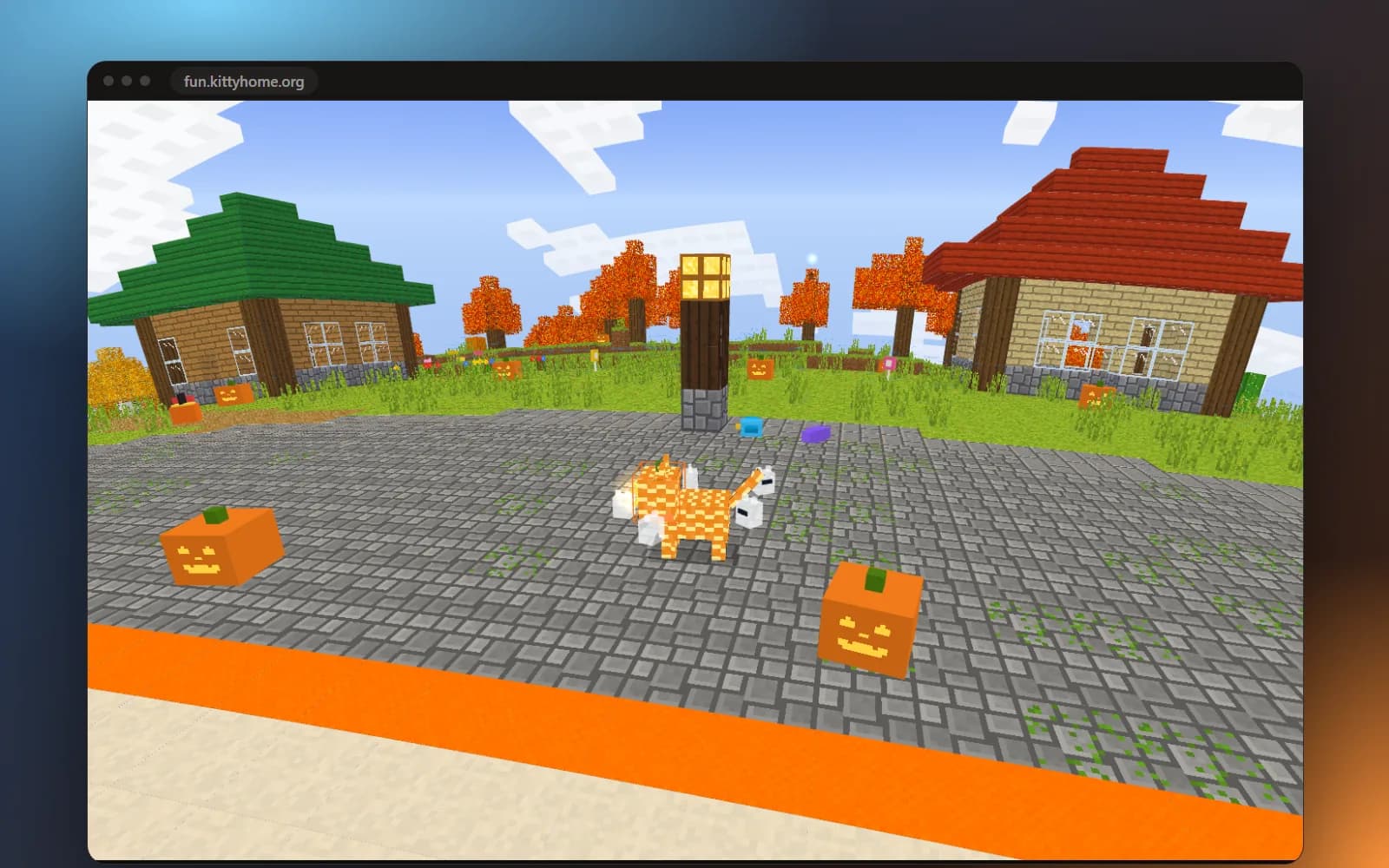
Write, reply, rewrite and translate in Gmail, Outlook, Docs, LinkedIn and any text box on the web. Press Alt+K and say what you need, or pause while you type and press Tab to take the next words. It fills job applications too, and your Meowtopia cat lives in the popup.
What it does
Write anything, anywhere
Press Alt+K in any text box and say what you need, or pause in email and chats and press Tab.
Translate and explain
Select text on any page to translate it or get it explained in plain words.
Inbox, tamed
One-click reply ideas, subject lines, summaries and an inbox digest in Gmail and Outlook.
Job applications, filled
Fill forms from your profile, or let Smart fill handle the rest.
At a glance
- Works in
- Chrome, on any website
- Price
- Free · Pro $12.99/month · Ultimate $24.99/month
- Status
- Live in the Chrome Web Store
- Made by
- KittyHome
Guides
All guides →KittyHome extension
KittyHome vs Grammarly, Wordtune and QuillBot: AI writing extensions compared
An honest comparison of AI writing extensions for Chrome: what KittyHome, Grammarly, Wordtune and QuillBot each do best, how accurate their answers are, pros, cons and prices.
· 7 min read
KittyHome extension
KittyHome vs Simplify, Jobright and LazyApply: job application autofill compared
Job application autofill extensions compared on what matters: how accurately they fill each field, what they can fill, whether they submit for you, pros, cons and prices.
· 7 min read
KittyHome extension
How to autofill job applications in Chrome, and still check every answer
Stop typing the same details into every job application. How to autofill applications in Chrome from one profile, let AI draft the open questions, and check it all.
· 4 min read